Every WordPress ability an AI agent can call through MCP (full list)
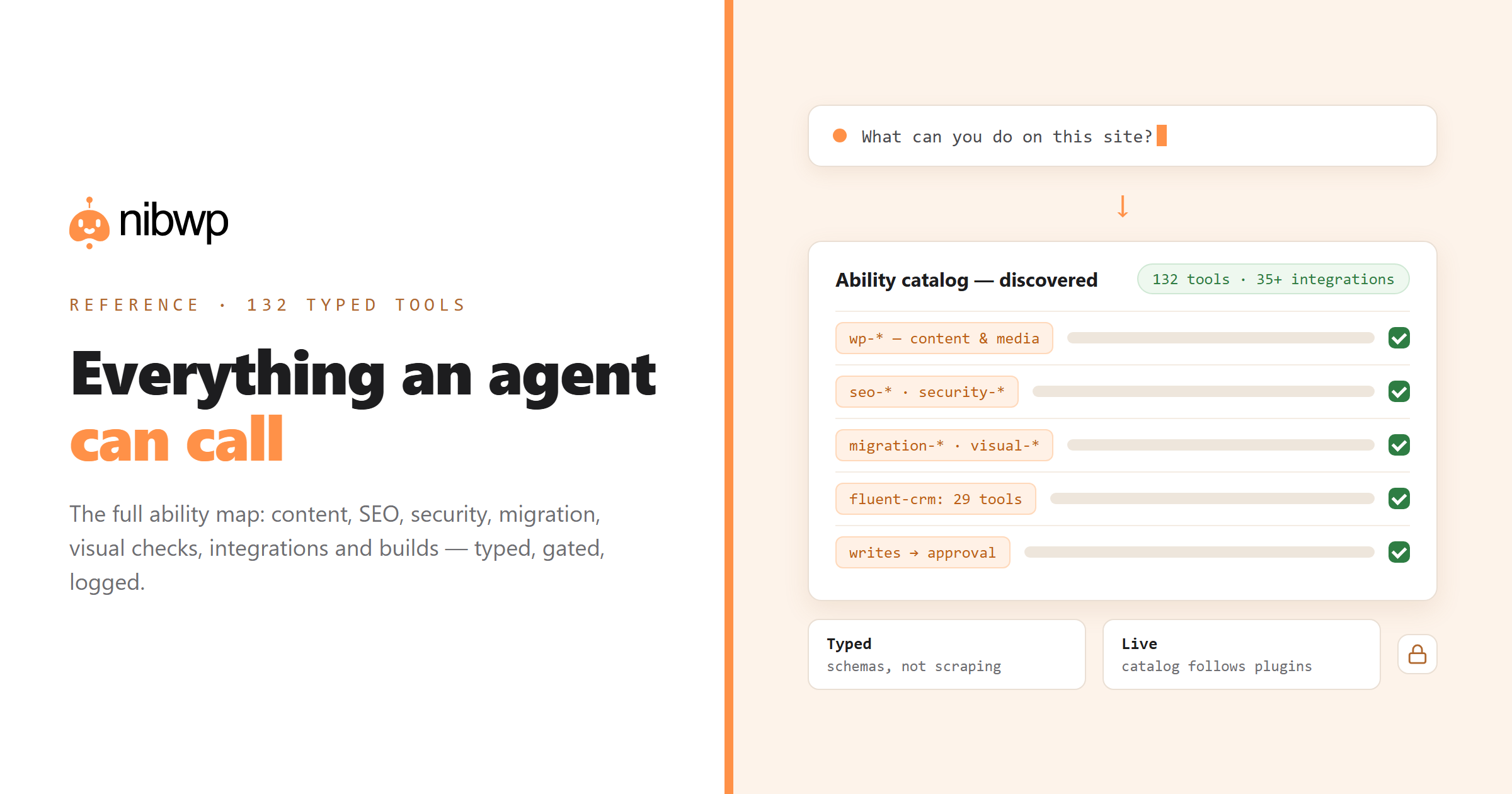
Every conversation about AI and WordPress eventually hits the same question: what exactly can the agent do? Not in demos — in typed, callable operations. This is the full map of the WordPress MCP server abilities NibWP exposes: what an assistant like Claude, Cursor or ChatGPT can actually call once it's connected to your site.
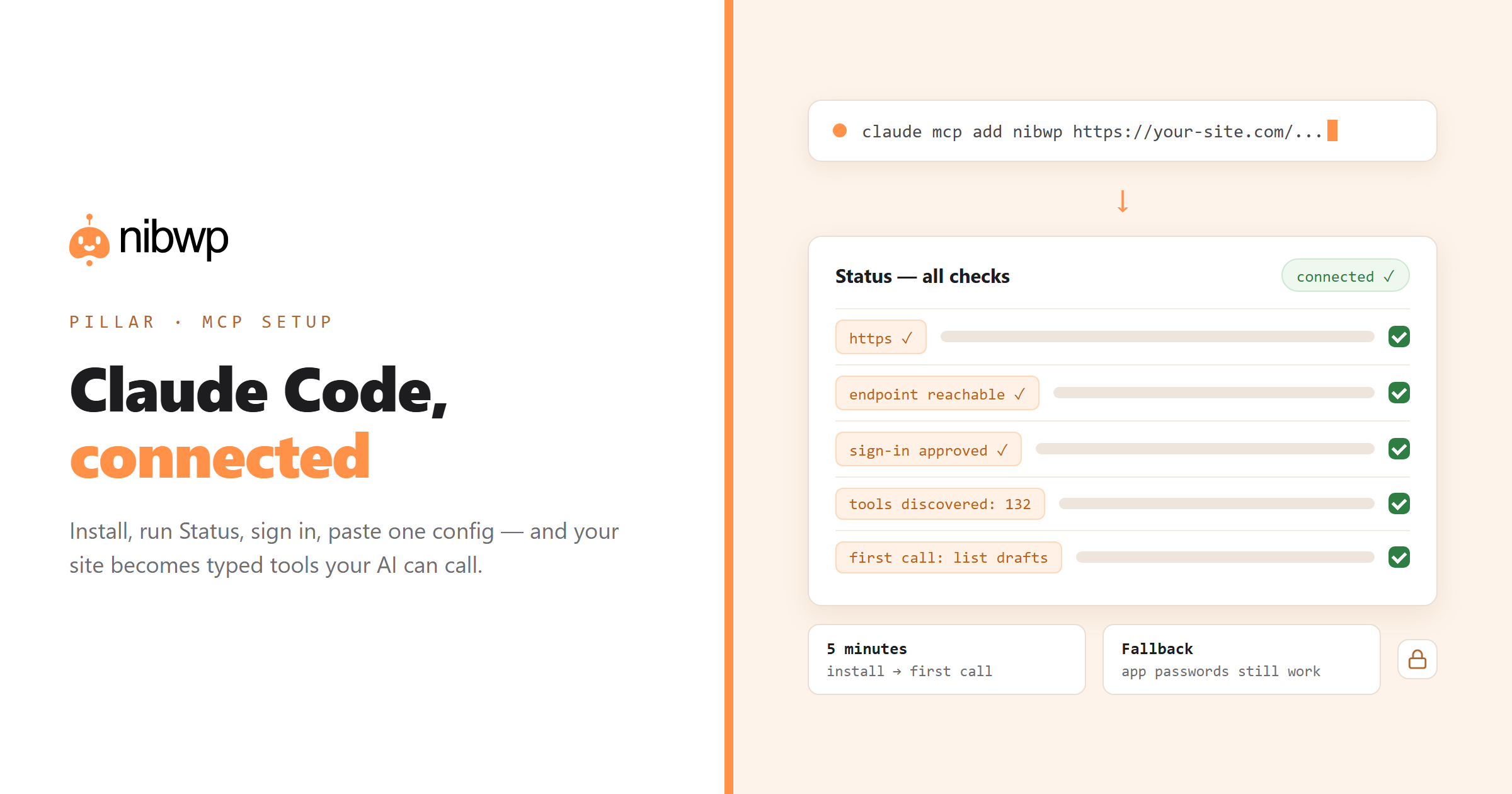
Two ground rules before the list. First, every ability is a typed tool — a bounded operation with a declared input and output schema, not a code-execution channel. Second, reads are read-only and writes are gated: anything that would change the site arrives as a plan you approve. Setup itself takes five minutes — see connecting Claude Code to WordPress — and this page is the reference for what you get once you're in.
How abilities work
When an MCP client connects, it discovers the ability catalog: each tool's name, description and schema. The model picks tools the way a developer reads an API reference — except it does it at runtime. A call looks like this on the wire:
{
  "tool": "nibwp/wp-create-post",
  "arguments": {
    "post_type": "post",
    "title": "October promotions",
    "status": "draft"
  }
}
// -> returns the created post ID + edit link
// -> write ops require approval before executing
The catalog is live: activate WooCommerce and store abilities appear; deactivate a plugin and its tools vanish. The counts below reflect the canonical set — 190+ typed tools across the core plugin and 35+ premium integrations — and your exact list depends on what's installed.
The WordPress MCP server abilities, grouped
WordPress core — content, media, menus, users, settings
The foundation: everything WordPress itself manages, as typed calls. Highlights:
wp-list-posts / wp-get-post / wp-create-post / wp-update-post / wp-delete-post— full content lifecycle, any post typewp-search / wp-get-meta / wp-update-meta— search and custom-field accesswp-list-media / wp-upload-media / wp-delete-media— the media librarywp-list-menus / wp-create-menu / wp-add-menu-item / wp-get-menu-items— navigationwp-list-terms / wp-create-term / wp-update-term / wp-delete-term— categories, tags, taxonomieswp-list-users / wp-get-user · wp-list-comments / wp-create-comment / wp-update-comment— users and commentswp-get-option / wp-update-option · wp-get-site-info / wp-get-site-stats / wp-list-plugins— settings and site introspection
Content operations — scheduling, imports, drafting
content-calendar / content-schedule-post / content-bulk-schedule / content-reschedule / content-list-scheduled / content-draft-manager— editorial calendar controlfetch-url-content / fetch-to-draft / fetch-rewrite-content / fetch-bulk-import / fetch-rss-feed / fetch-sitemap-urls— pull external content in, as draftstemplates-list / templates-apply— apply saved templates
SEO — audits, meta, redirects, schema
seo-broken-links— the site-wide dead-link crawlseo-meta-bulk-generate / seo-internal-linking / seo-image-optimize— the recurring hygiene passesseo-redirect-manager / seo-schema-markup— redirects and structured dataslimseo-info / slimseo-post / slimseo-schema / slimseo-settings— native Slim SEO integration
Security — scan, verify, repair
security-health-check / security-scan-malware / security-scan-database / security-audit-users— the scanssecurity-verify-core / security-repair-core / security-quarantine-file— integrity checks and containmentsecurity-find-replace / security-db-find-replace / security-change-passwords / security-file-permissions / security-cleanup— the cleanup toolkit
Migration — move sites without plugins-on-plugins
migration-export-content / migration-import-content— content in and outmigration-export-menus / migration-import-menus · migration-export-options / migration-import-options— the parts everyone forgetsmigration-search-replace-urls / migration-clone-post— URL rewrites and one-off clones
Files & sandboxed code
read-file / edit-file / write-file / delete-file / list-directory— file operations inside a sandboxed areaenable-file / disable-file— toggle sandbox functionality safelyexecute-php / multi-execute— gated PHP execution for advanced workflows (Pro, approval-gated)
Visual — the agent sees the site
The layer behind Agent View: the assistant can open pages and verify its own work instead of guessing:
visual-open / visual-read / visual-click / visual-fill / visual-tabs / visual-viewport / visual-console— drive and inspect real pagesvisual-audit / visual-batch · visual-blocks / visual-block-schema / visual-block-insert / visual-block-update / visual-block-delete— audit renders and edit blocks in place
Memory, preferences & workflows
memory-store / memory-recall / memory-list-keys / memory-delete · preferences-get / preferences-set— the site remembers decisions between sessionslist-workflows / get-workflow / save-workflow / update-workflow / activate-workflow— the playbook system, callable
Notifications
notify-send-email / notify-bulk-email / notify-send-sms / notify-bulk-sms / notify-configure-twilio— email and SMSnotify-send-wp-notification / notify-webhook / notify-manage-templates— in-dashboard alerts and outbound hooks
Premium integrations — 35+ plugins as tools
Each supported plugin exposes its own abilities through its own APIs: WooCommerce, ACF (acf-manage-fields), FluentCRM (29 typed tools of its own — contacts, campaigns, automations, sequences), FluentCart, forms plugins, LearnDash, LifterLMS, MemberPress, TutorLMS, EDD, GiveWP, Events, BuddyPress, TablePress, Redirection, WPML, TranslatePress, Voxel and more — the full roster lives on the integrations page.
Pro Skills — builder-native output
Skills add the build layer: etchwp-pro-html-to-component / etchwp-pro-figma-to-component / etchwp-pro-image-to-component / etchwp-pro-refine-component and their Elementor, Bricks, Kadence, Oxygen and Voxel counterparts — each converting designs into that builder's native, validated elements. The practical effect is on the AI website builder page.
What this adds up to
Read the groups together and the shape is clear: content, SEO, security, migration, files, visual verification, memory, notifications, integrations and builds — the whole surface of a working WordPress site, typed and callable, with writes behind approvals and every call logged. An assistant with this catalog isn't chatting about your site; it's operating it, within rules.
Connect a client and browse your own live catalog — the setup is five minutes. The plugin that does all of this is free to start: how it works · pricing.