Best WordPress MCP plugin: the 7 things that actually matter
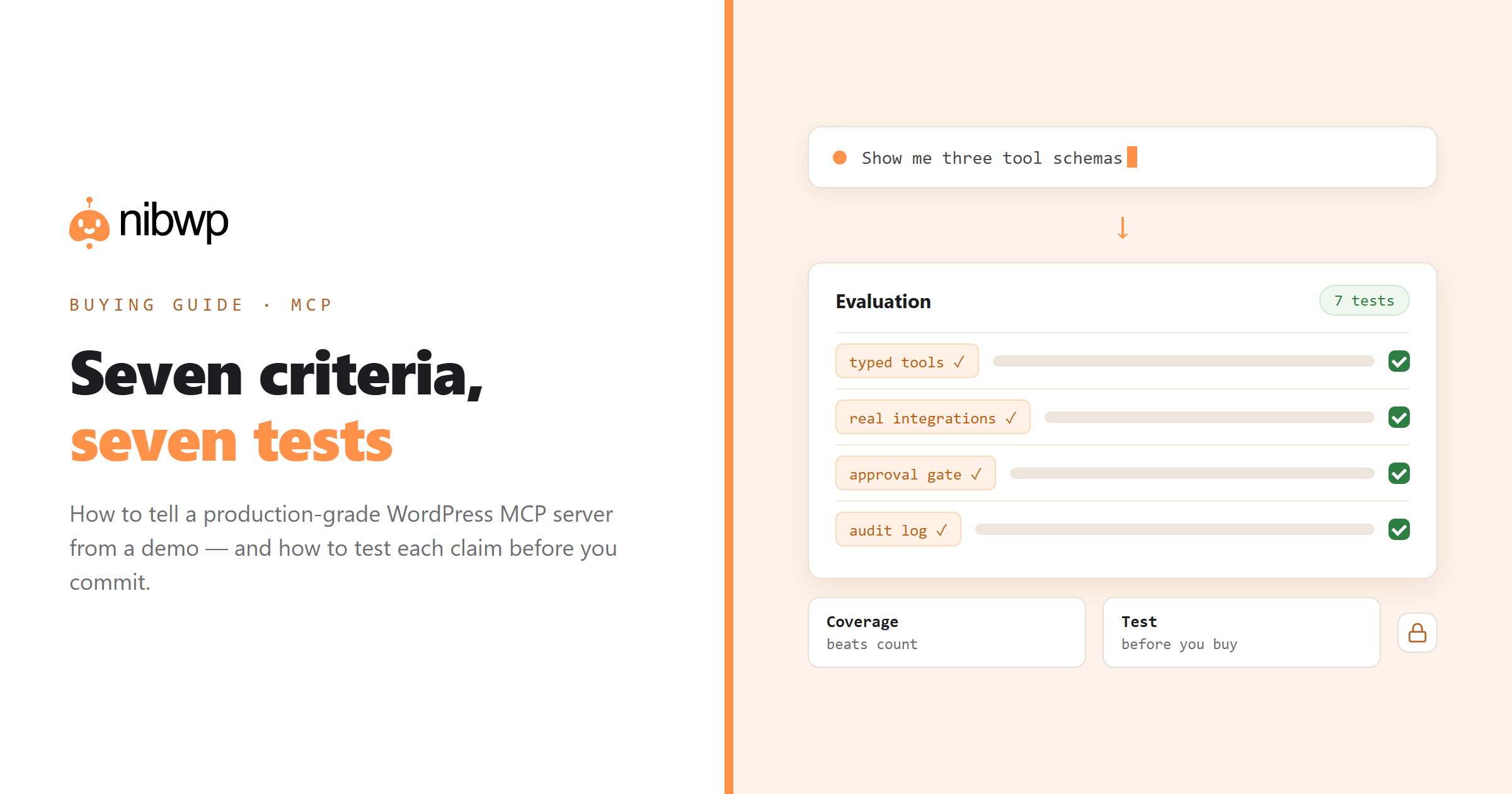
This post is a buying guide rather than a ranking: seven criteria that actually separate a serious WordPress MCP server from a demo, with the test you can run on each before you commit. Apply them to any candidate, including ours.
The first fork in the road. Some implementations expose one broad capability — execute SQL, run PHP, call any REST route — and let the model figure it out. It demos brilliantly and it is the wrong architecture for a production site: nothing validates the model's intent, and a single misunderstanding writes to your database.
Test:
2. Real plugin integrations, not just core
Core WordPress is the easy part. Your actual work lives in WooCommerce products, ACF fields, Yoast meta, form entries, LMS courses and translation status. A server that only speaks core will handle your blog and stall on everything that makes the site a business.
More importantly, integrations must write through each plugin's own API. Writing ACF values as raw post meta produces fields that look right in the database and behave wrong in the admin; writing WooCommerce variations directly into tables skips the logic that keeps a catalog consistent.
Test: count the integrations and check one you use daily. Ask the agent to write a value through it, then open the record in wp-admin. If it does not look native, the integration is superficial. NibWP ships 45+ integrations for this reason — the full list is public.
3. An approval gate you cannot accidentally turn off
Any tool that writes needs a step where a human sees the plan first. The quality signal is whether that gate is structural — part of how writes work — or a checkbox in settings that a hurried colleague can disable.
Test: ask for a bulk change and see whether you get a plan or a fait accompli. Then look for the setting that disables the gate; if it is a single toggle with no audit trail, that is a risk on a team.
4. An audit log that survives the conversation
Chat history is not an audit log. When a client asks what happened to their site last Tuesday, you need a server-side record: which tool, which arguments, which user, what result, when. It should exist independently of whichever AI client made the call, and it should be readable by someone who was not in the conversation.
Test: make three changes, then find them in the log without opening your AI client. Detail: what a real audit log looks like.
5. Scoped credentials, revocable per connection
One credential for everything is a liability. You want to hand a contractor read-only access, give your own terminal write access, and revoke either without touching the other. Scopes should be granular enough to separate reading, writing, managing settings, touching files and executing code — and the plugin should let you see and revoke every issued connection.
Test: issue two credentials with different scopes, verify the read-only one genuinely refuses a write, then revoke it and confirm the other still works.
6. Builder-native output (if you build pages)
Look for output that lands as native elements in whichever builder you use, validated server-side before it is written — element whitelists, class-naming grammar, design-token mapping. Validation is the part that is hard to fake, because you can see it refuse bad output.
Test: generate a section, then open it in the builder and change the heading. If you cannot, walk away. Background: how server-side validation works.
7. Client-agnostic, and honest about what it is not
MCP is a standard; a server tied to one AI vendor gives up the main benefit. Check that the same connection works from Claude, ChatGPT, Cursor, VS Code and a terminal — and that adding a client does not mean reconfiguring the site.
The last part of the criterion is temperament rather than a feature: does the documentation tell you what the plugin cannot do? Vendors who market autonomy without limits are describing a risk profile, not a capability.
Test: connect a second client and check nothing on the site changed. Comparison of clients: which AI clients work with WordPress MCP.
A quick scoring sheet
Weight them by what you actually do. For most agencies:
- Typed tools and plugin integrations — non-negotiable, roughly half your decision.
- Approval gate, audit log and scopes — the other half if you touch client sites.
- Builder-native output — decisive if you build pages, irrelevant if you only manage content.
- Client-agnostic — cheap to verify, expensive to discover you lack it.
Anything left over is a nice-to-have. Ignore tool counts as a headline number: 40 well-typed tools that cover your stack beat 300 that wrap the same generic endpoint.
Where NibWP sits
Since you are reading this on our site, the honest version: NibWP is built around these seven criteria — 190+ typed tools, 45+ plugin integrations writing through each plugin's own API, a structural approval gate, a server-side audit log, scoped revocable credentials, validated builder output through Pro Skills, and client-agnostic MCP. What it is not: it is not a magic autonomous website builder, and it will not make design decisions for you. See how it works and what it costs — then run the seven tests on it yourself.
FAQ
What is a WordPress MCP plugin?
A plugin that turns your WordPress site into a Model Context Protocol server, exposing typed tools that AI clients like Claude, ChatGPT or Cursor can call to read and write real site data.
What should I look for when choosing one?
Typed tools rather than a generic run-anything endpoint, real plugin integrations that write through each plugin's API, a structural approval gate, a server-side audit log, scoped revocable credentials, builder-native output if you build pages, and client-agnostic MCP support.
Are more tools always better?
No. Coverage of the plugins you actually use matters far more than a headline count. Forty well-typed tools covering your stack beat three hundred thin wrappers around one generic endpoint.
Is a free WordPress MCP plugin good enough?
For core content work on a personal site, often yes. Plugin integrations, validated builder output and team-grade audit/permission features are typically where paid tiers start.
Do I need an approval gate if I'm the only user?
Yes, for a practical reason rather than a trust one: the gate is where you catch your own imprecise prompts before they touch two hundred records.
Can one MCP plugin serve several AI clients at once?
It should. MCP is a standard, so one server on your site can serve Claude, ChatGPT, Gemini, Cursor and a terminal simultaneously, each with its own scoped credential.