Etch + MCP: let AI build pages, components and styles in EtchWP
Connect Etch to Claude, Cursor or ChatGPT through NibWP's MCP server. The AI writes native Etch blocks — elements, text, loops, components — plus the styles and assets behind them, so what it builds is real Etch, editable in the builder afterwards.
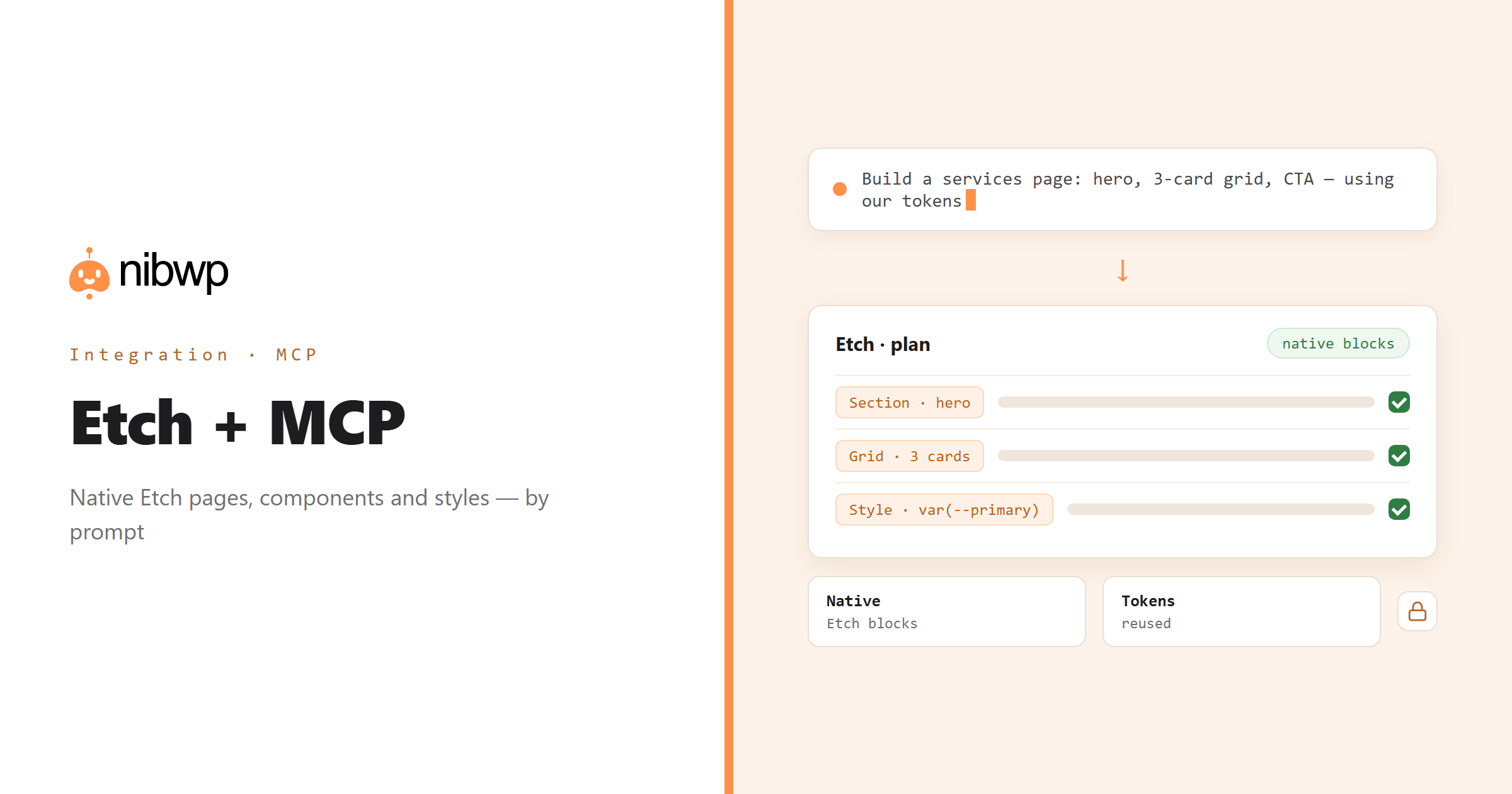
Etch is a unified builder: blocks, components, a style engine and dynamic data in one place. Most of what an AI could do for you in Etch is not typing — it is structure. NibWP gives the agent typed access to that structure: list what exists, read a page or component, create and update Etch records, configure styles and assets, and remove what is obsolete.
Pair it with a Pro Skill and the agent goes from 'edit what exists' to 'build the design': a Figma frame or a screenshot becomes native Etch sections using your ACSS tokens. This page is about the integration itself — the tools every Pro plan has for working on an Etch site.
Etch is one of the 45+ integrations inside NibWP's WordPress MCP server — 6 typed Etch tools on top of 190+ WordPress tools. The full tool reference lives on the Etch integration page; this page is about what those tools let you do.
What AI can do in Etch
Pages from a brief
Sections, headings, grids and CTAs written as native Etch elements — editable in the builder, not locked HTML.
Components and loops
Create and reuse components, wire query loops to post types and ACF fields, and keep markup consistent across the site.
Styles and tokens
Create or update Etch styles and selectors, using the design tokens your site already defines.
Change one thing everywhere
Rename a class, swap a token, update a component — across every page that uses it, in one pass.
Audit the build
Find pages with inline styles, orphaned components or assets nobody references, and fix them in place.
Design-to-build ready
Add the Etch Pro Skill and the same tools turn Figma frames or screenshots into native Etch pages.
The Etch tools NibWP exposes
Every Etch capability is a typed MCP tool with a schema the AI client can read, so it calls the right thing with the right arguments instead of guessing at your database. Read tools are free to explore; write tools go through the approval flow.
nibwp/etchwp-manage-blocks— List, create, update, and delete custom blocks registered by EtchWP.nibwp/etchwp-manage-fields— List, create, and manage custom fields registered through EtchWP.nibwp/etchwp-manage-styles— Manage global styles, CSS custom properties, and theme.json settings via EtchWP.nibwp/etchwp-manage-assets— List, enqueue, and manage CSS/JS assets registered by EtchWP.
Example prompts
Plain English is the interface. These are the kinds of requests agencies run against Etch every day:
- “Build a services page with a hero, a three-card grid and a CTA band, using our existing tokens.”
- “Create a 'testimonial' component and replace the three hand-built testimonial sections with it.”
- “List every page with inline styles and move them into named Etch styles.”
- “Add a query loop of the latest five case studies to the home page, below the hero.”
- “Update the button style so every primary button uses –primary and the 8px radius.”
How it works with Etch
There is no new dashboard to learn. You describe an outcome, NibWP plans it, and you approve before anything is written.
- Connect — install NibWP, connect Claude, Cursor, ChatGPT or any MCP client. Etch is detected automatically and its tools appear in the client.
- Describe — tell it what to build or change — a page, a component, a style — or hand it a reference page. NibWP reads the existing structure, tokens and components first so the output matches the site.
- Approve — NibWP shows the plan: which records it will create or change, and what will stay untouched. Nothing happens until you say yes.
- Done — it writes real Etch data through the plugin's own APIs and reports back in plain English, with every change in the audit log.
Why not just a generic AI?
A general-purpose assistant can write text about Etch; it cannot safely operate it. The difference is structure, context and control.
A generic assistant
- Outputs HTML and CSS in a chat window for you to paste
- Does not know your components, tokens or selectors
- Cannot touch an Etch page without breaking the block structure
Etch + NibWP
- Writes native Etch elements, text, loops and components
- Reuses your styles and ACSS tokens instead of inventing values
- Updates existing blocks in place and leaves the rest alone
Safe by default
NibWP is built for agencies running client sites, so control and traceability come first:
- Nothing is written without your approval — you see the plan first, and you can run in draft mode.
- Every action is recorded in a full audit trail, per site and per user.
- It runs on Etch's own functions and APIs — your data stays on your server, nothing is copied to a third-party service.
- Deleting an Etch record is a separate destructive tool; ordinary connections can create and update but not remove.
Related integrations
Most sites pair Etch with other plugins NibWP already speaks: Automatic.css + MCP, Bricks + MCP, Breakdance + MCP, Builderius + MCP, Figma + MCP, ACF + MCP. All of them ship in the same plugin — see pricing for what each plan includes.
Questions, answered
Everything about running Etch with NibWP.
Does it need Etch installed?
Is what it builds editable in the Etch builder?
Does it use my design tokens?
What is the difference between the Etch integration and the Etch Pro Skill?
Can it break my site?
Build Etch by describing it.
Get the Bundle and let NibWP write native Etch pages, components and styles — planned, approved and logged.